Current checksTiming unconfirmedStill checkingPlayer questionsettlement
Quick fix / Settlement work order
Farm planted, but nothing is growing? Check the current Farm state
Symptom / what you seeA planted Farm appears frozen, has no sow action, or shows no crop/work progress after the settlement roster changes.
Try this firstConfirm Basic Farming, valid ground, a supported crop (the current player lead is Oats), and an active Farm task; growth timing and caretaker rules remain unconfirmed.
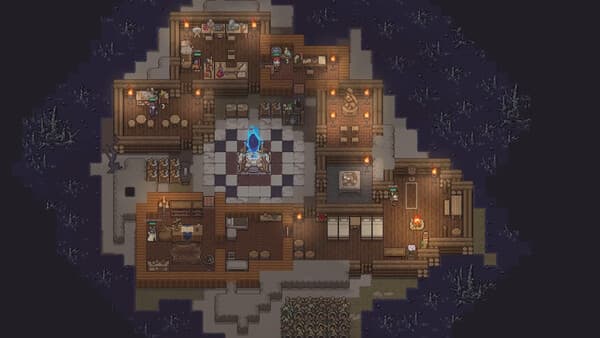
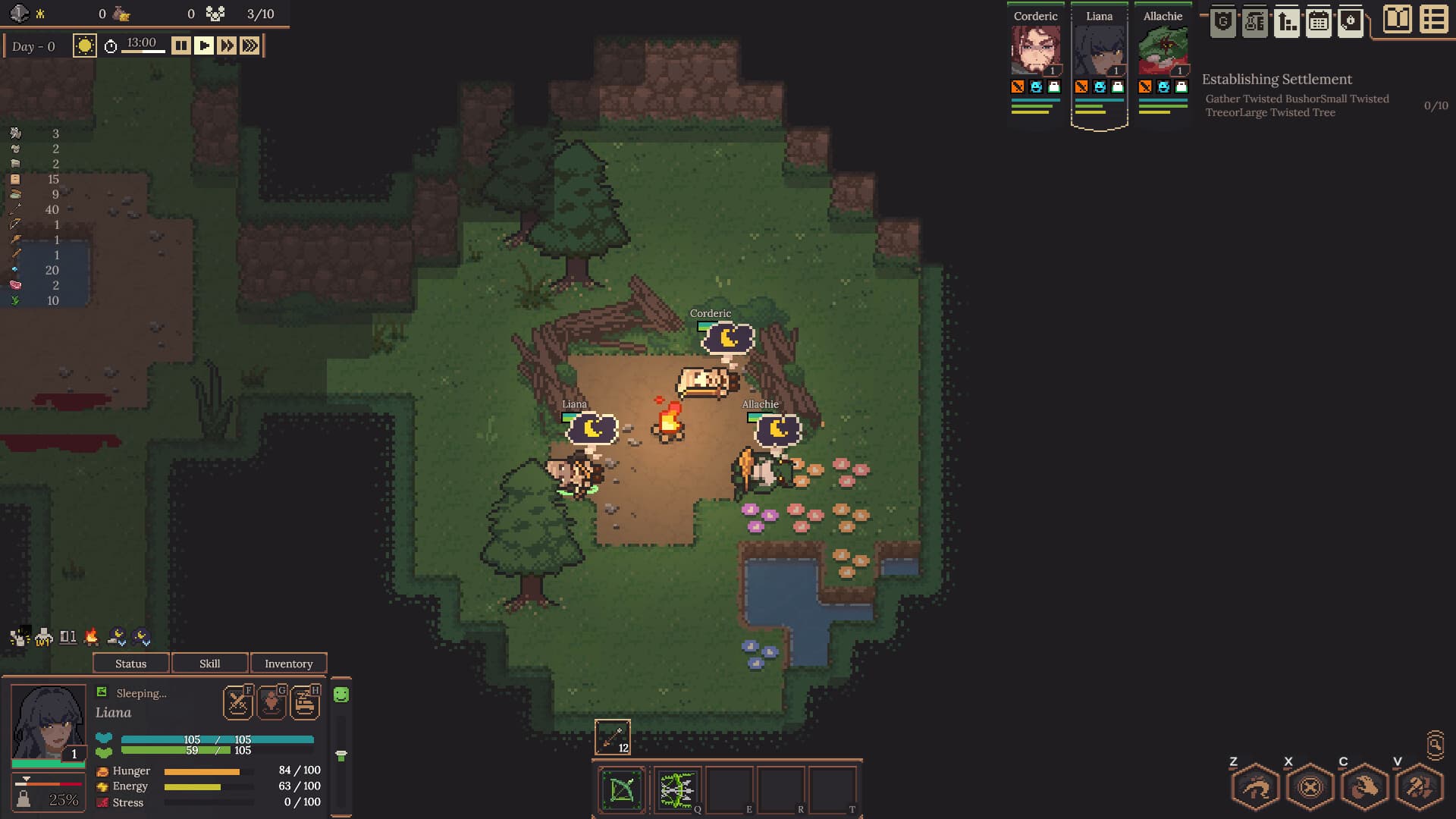
Settlement work orderPlayer questionOfficial image for context
01Most likely cause
Why it happens
The v0.4.19 farming guide confirms the prerequisite, Build → Agriculture placement, supported-crop sowing, and Farm progress checks. It does not establish a universal dungeon-time timer or caretaker requirement, so those older leads stay unproven.
Current check path—verify research, ground, sowing, input, and worker/task state.
01Confirm Basic Farming is complete in Research before troubleshooting the plot; Farm is gated by that node, not by waiting at base.
02Select Build → Agriculture and inspect the Farm on valid settlement ground. Food Storage only holds food and does not create crops.
03Use the Farm interaction to sow a crop the current build accepts. Oats are the clearest current player-reported crop; do not assume a dungeon food such as Turnips is plantable.
04Check that the crop/input is available and the Farm has an eligible worker or task state, then wait for the crop state or work progress to change. Read the current tooltip before testing a large field.
03Success feedback
Know when it worked
The Farm shows a supported crop, the sow action has completed, and its crop/work state visibly advances toward harvest. Exact growth duration and whether a dedicated caretaker is required remain unconfirmed.
Current v0.4.19 guide supplies the Basic Farming → Build → Agriculture → sow/progress troubleshooting path, while leaving growth timing and full crop rules version-sensitive.