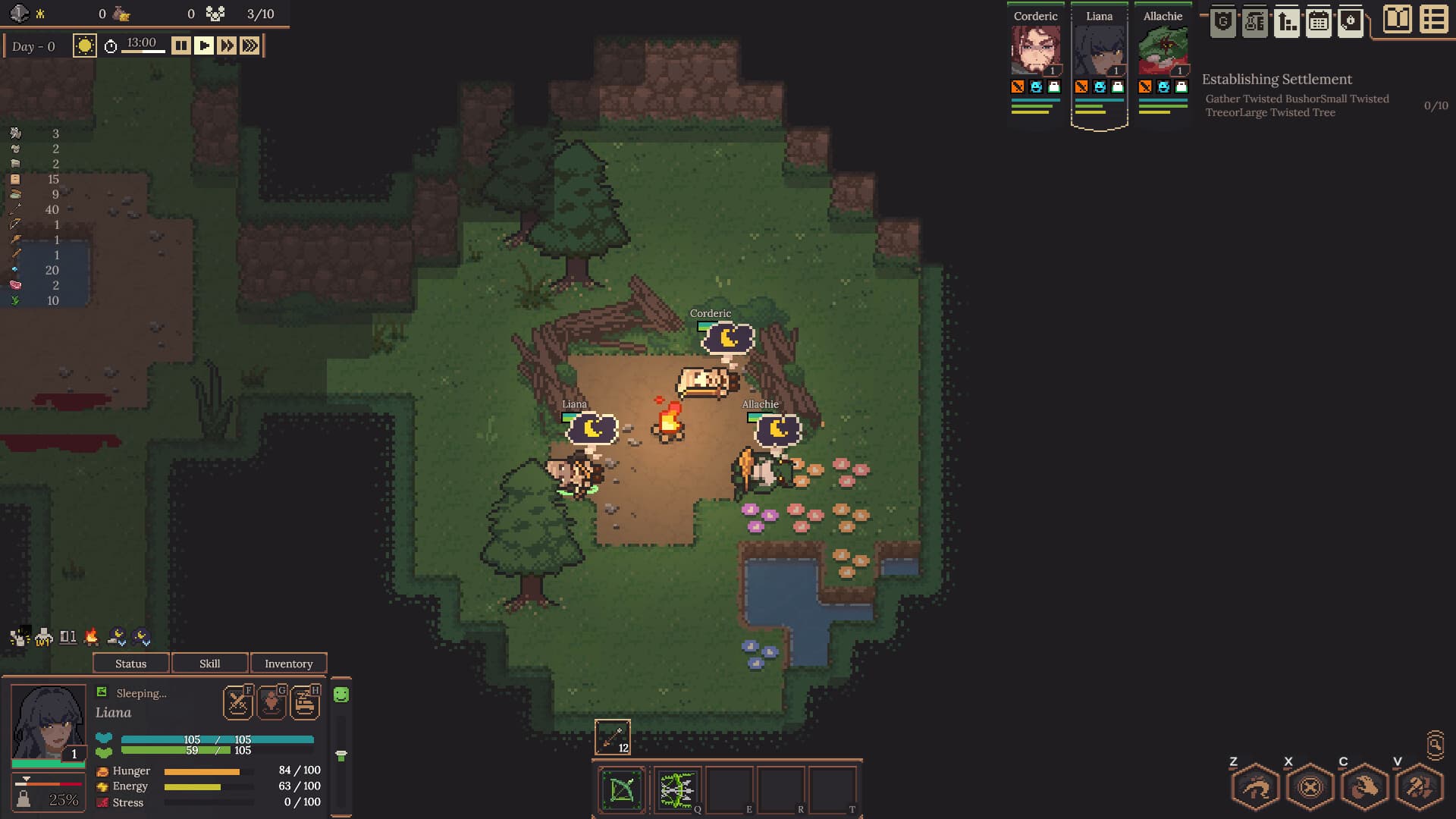
01Most likely cause
Why it happens
Stack splitting is attached to modifier-drag controls rather than a visible split button. The official v0.4.17 notes added both controls to the in-game Inventory guide.
Primary lead: Official update v0.4.17Quick fix / Expedition route order
Symptom / what you seeDragging ointment, rations, or another stack moves the entire pile instead of a smaller amount.
Official control + independent report · open primary source ↗
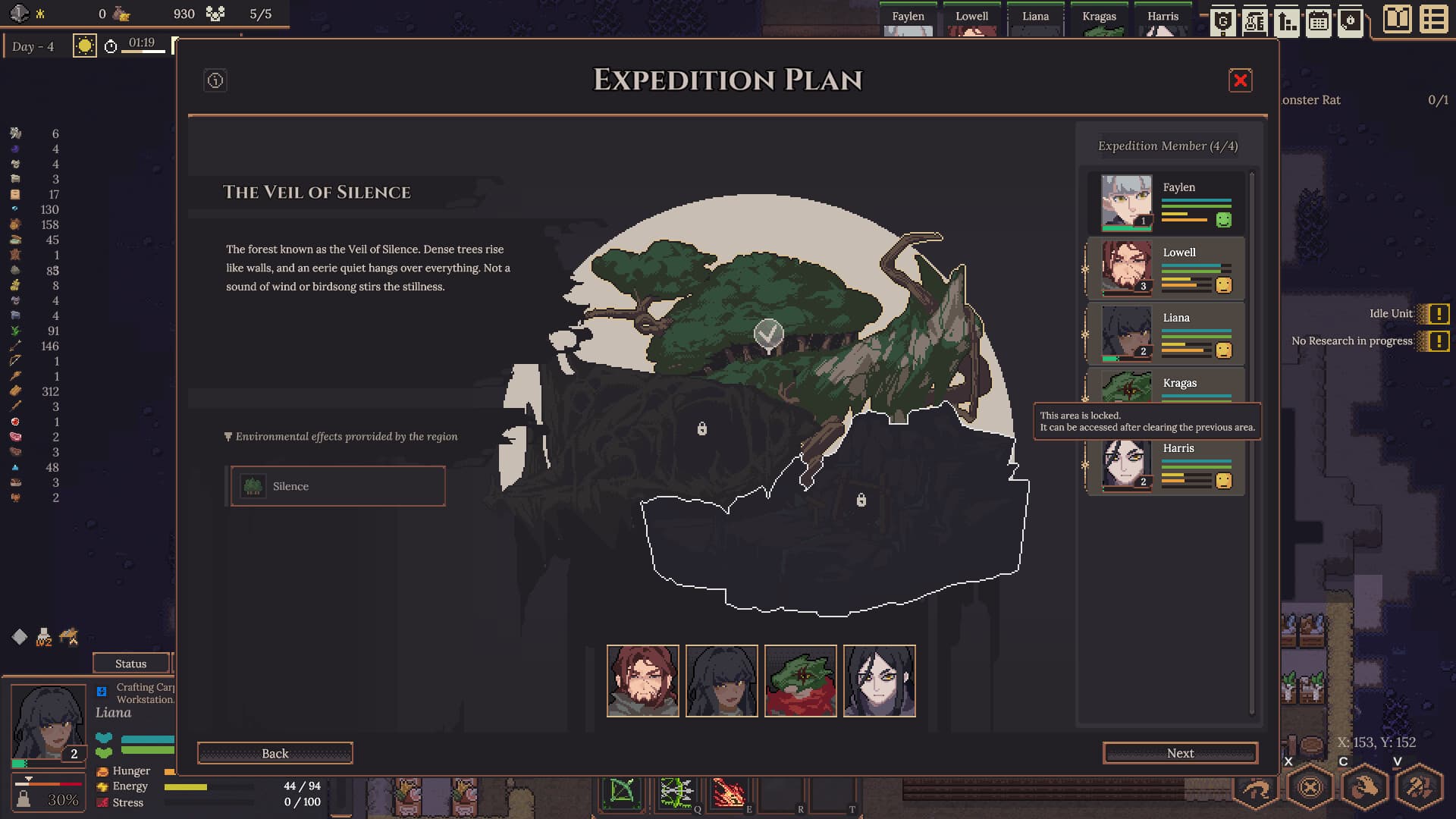
Stack splitting is attached to modifier-drag controls rather than a visible split button. The official v0.4.17 notes added both controls to the in-game Inventory guide.
Primary lead: Official update v0.4.17Official control path—use a low-value stack and verify both counts.
A smaller quantity moves or a quantity selector opens while the remainder stays in its original slot.
Demo video checkpoints
What these frames prove: where the inventory and item tooltip appear in a public Demo playthrough. What they do not prove: the visible Ctrl/Shift-drag result in v0.4.19.
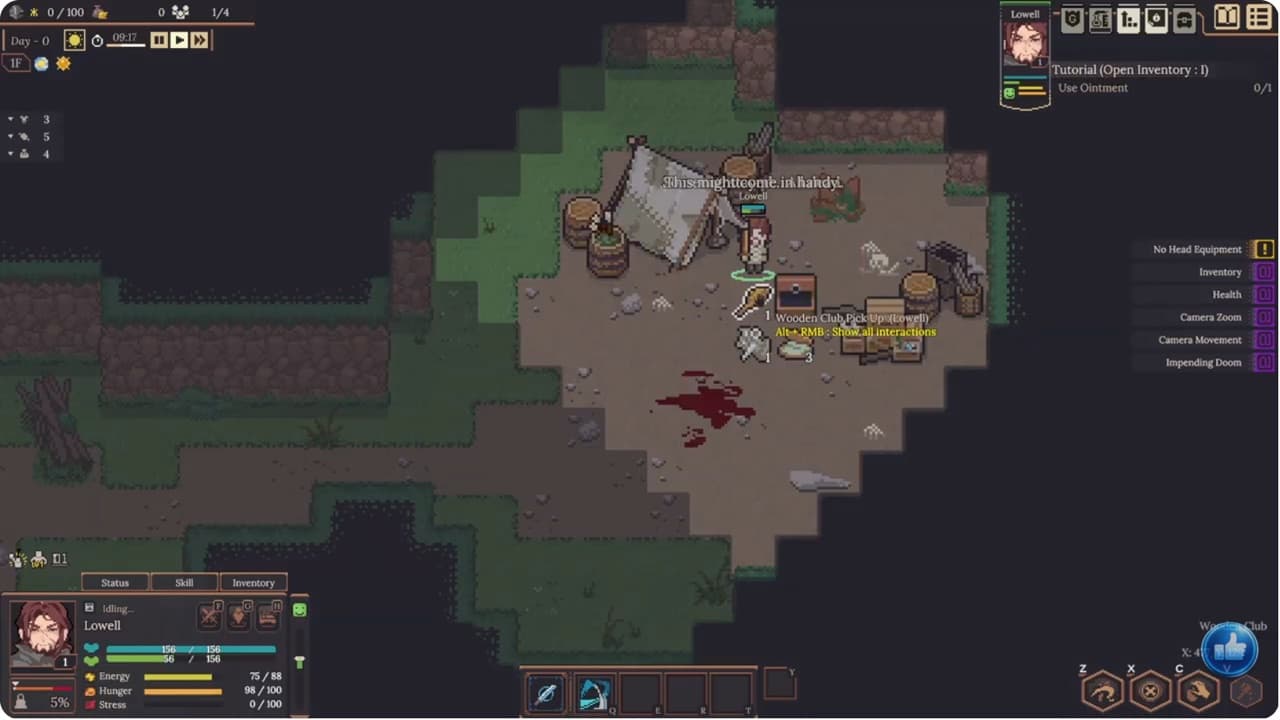 02:12
02:12The video makes the inventory entry point visible. It does not show the split control.
Game Mojo Demo gameplay · 02:12 ↗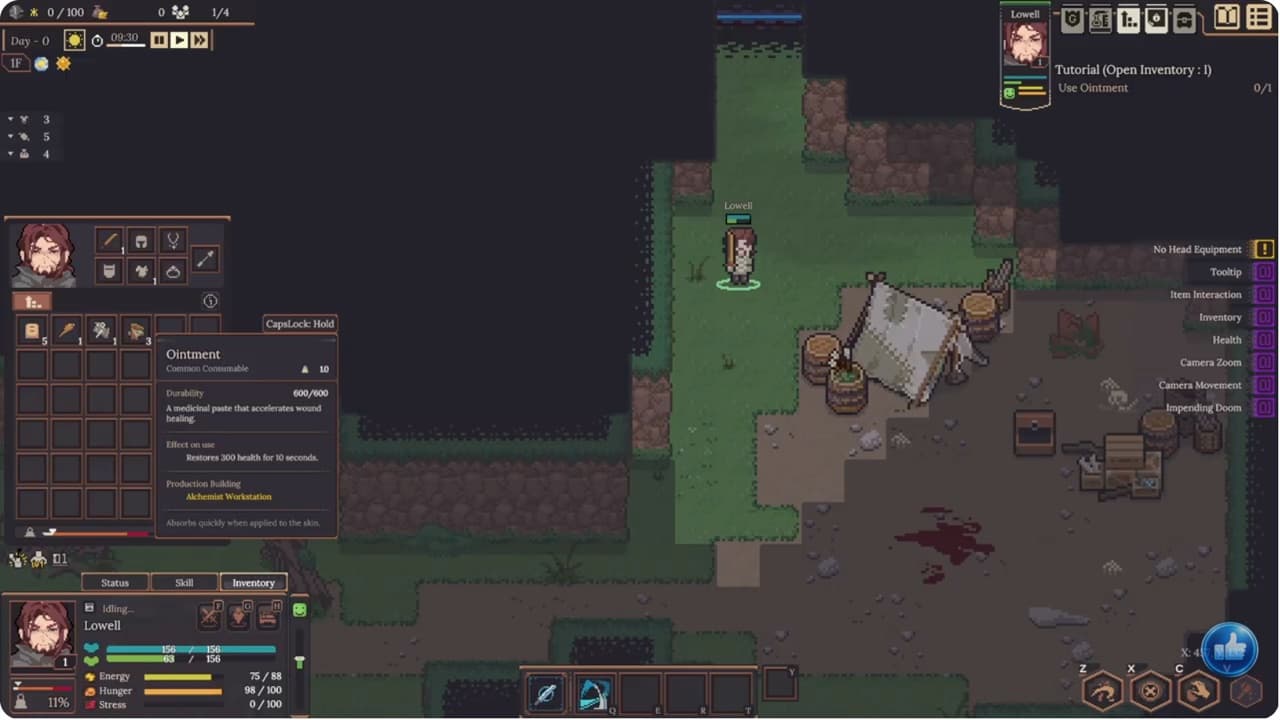 02:22
02:22The selected ointment stack and its quantity are visible here; use a disposable stack when retesting.
Game Mojo Demo gameplay · 02:22 ↗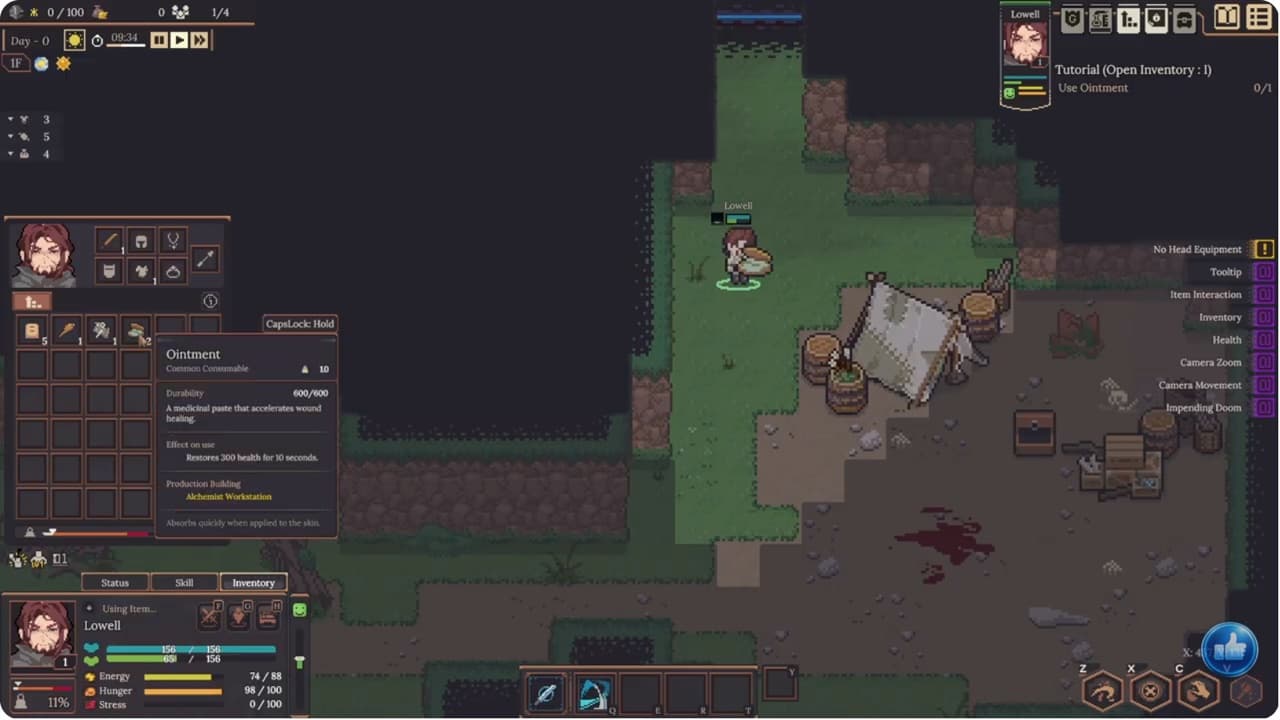 02:25
02:25This is the clearest Demo-era visual checkpoint before trying the reported Shift-drag input.
Game Mojo Demo gameplay · 02:25 ↗What this answer covers
The developer documents Ctrl + Drag for half and Shift + Drag for a chosen quantity, and says both controls already existed.
A player independently reports holding Shift while dragging to split stacks in the pre-release build.
The current Early Access update does not change the documented inventory Ctrl + Drag / Shift + Drag split controls. It separately adds direct crafting quantity entry and Shift + Click increments of 10; that crafting control is not the same as splitting an inventory stack.